General
Item, City and Clan Exchange
Convert items between city/clan variants, transfer between clans, and switch visual appearance.
Three Blacksmith-NPC exchanges let you reshape items, switch clans, and change your visual appearance.
Item Exchange Between Cities
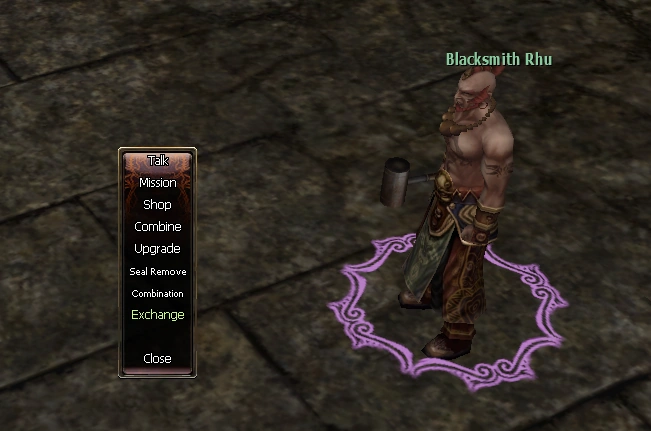
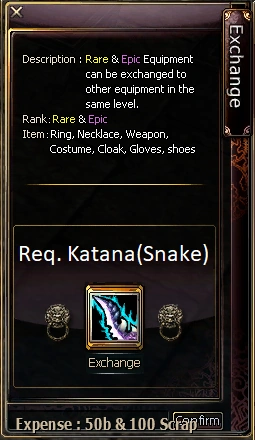
Convert items into the variants of other cities through the Blacksmith NPC. Example: turn a Snake-clan Katana into a Tiger-clan Spear.
Steps: Click Exchange → place the source item → pay the cost shown → press Confirm.
| From | To |
|---|---|
 Katana Katana |  Spear Spear |

Clan Transfer
Three clans exist on the server: Dragon, Snake, and Tiger. Use a Transfer Scroll to switch your character's clan.
| Item | Description | Source |
|---|---|---|
 Transfer Scroll Transfer Scroll | Moves your character to another faction. Right-click to use. | Item Mall |
Visual Character Change
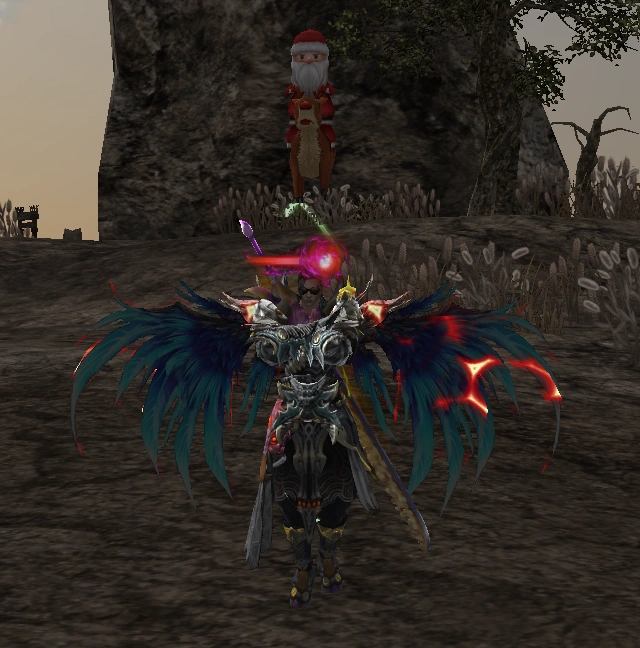
Keep your clan but display the appearance of another. Example: a Tiger-clan member can show Dragon, Snake, or Sky visuals.
| Item | Description | Source |
|---|---|---|
| Visual Character Scroll | Changes your character's visual to another faction. | Item Mall |